I'm
Dirghayu Rajbahak
Web Application Developer, Desktop Application Developer, Full Stack Developer

I'm

Learn About Me
I’m truly passionate about my work and always eager to work with new ideas and projects. While I enjoy all aspects of my job, I think my favorite stage of a project is working with the client or business unit leader to understand his or her business objectives. As we go through that collaborative process, the ideas start to flow and that’s always the fun part.
Web Application Development
100%
Desktop Application Development
100%
Full Stack Development
100%
Database Design and Implementation
100%
What I do
Have a solid knowledge in responsive web design and implementation of web templates.
Results-oriented and detail-driven web application developer with the experience in designing and implementing innovative web solutions. Adept at collaborating with cross-functional teams to drive project success.
Motivated and detail-oriented desktop application developer with the experience in creating robust and user-friendly software solutions. Proficient in C#.net Programming Languages and well-versed in the entire software development lifecycle. Adept at collaborating with cross-functional teams to deliver high-quality desktop applications.
Dedicated and detail-oriented database professional with more than 4 years of experience in database design and implementation. Proven expertise in creating efficient and scalable database solutions. Proficient in store procedure and writing complex database script.
My Resume
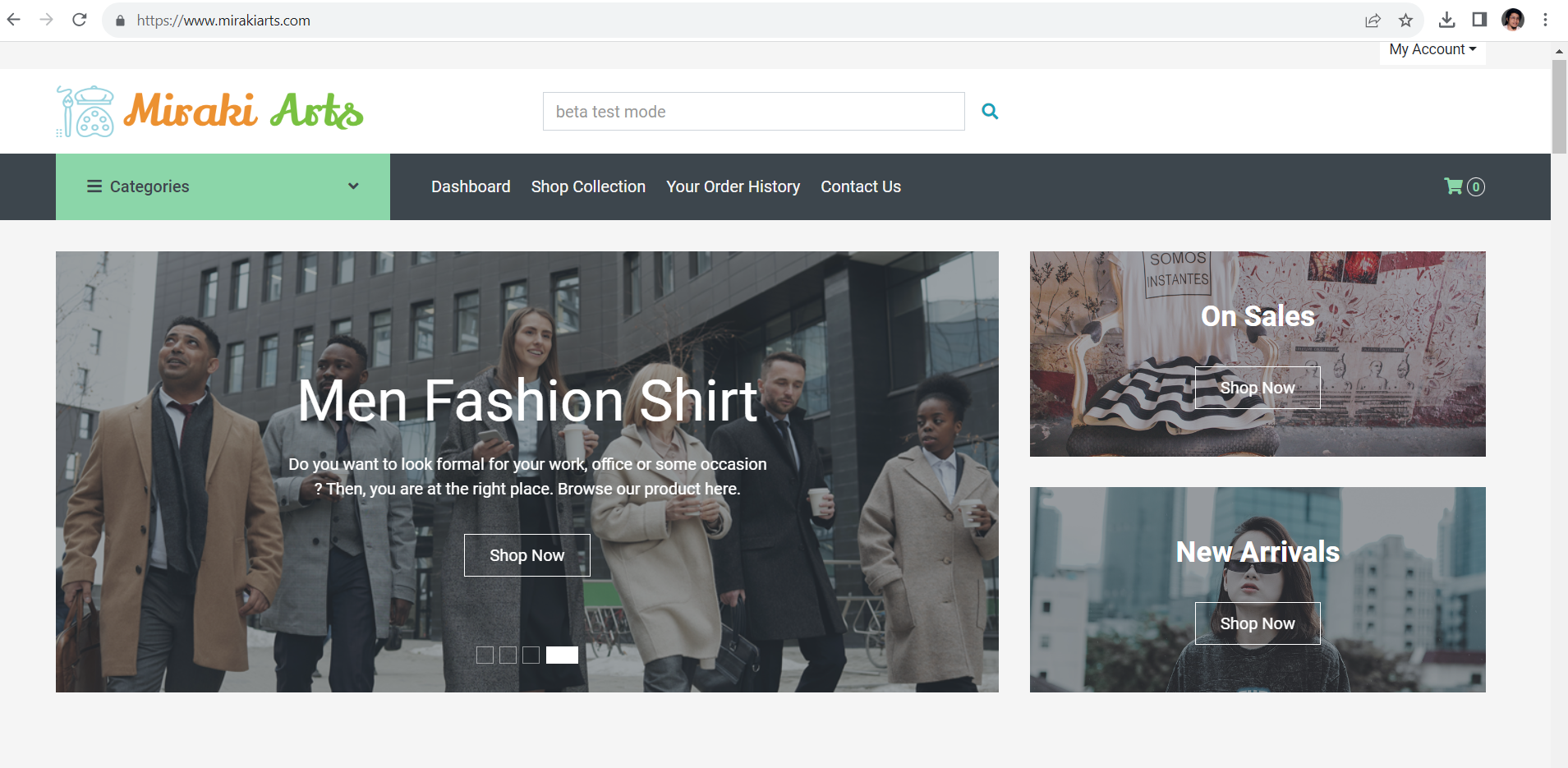
* Full stack development for mirakiarts.com.
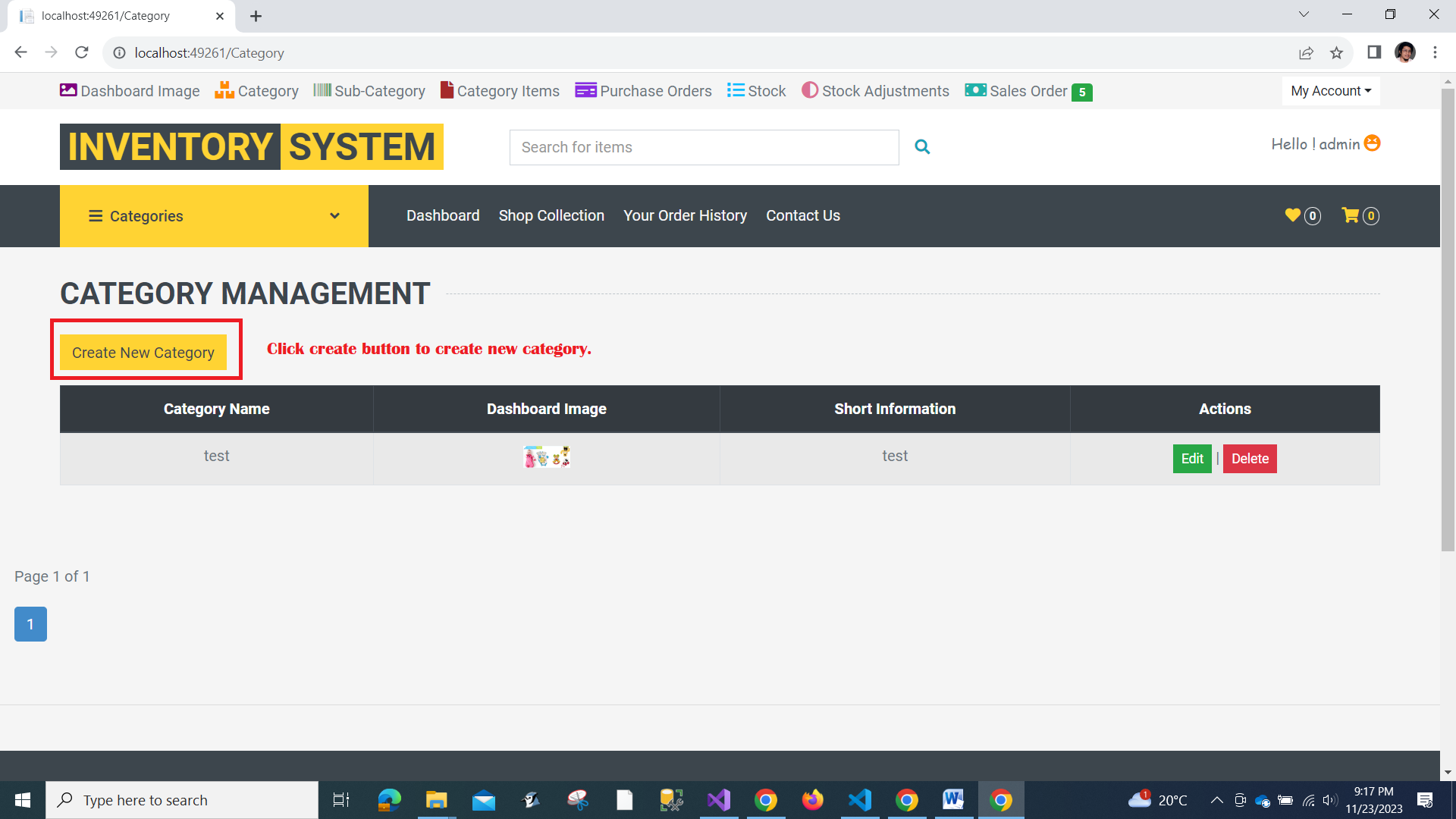
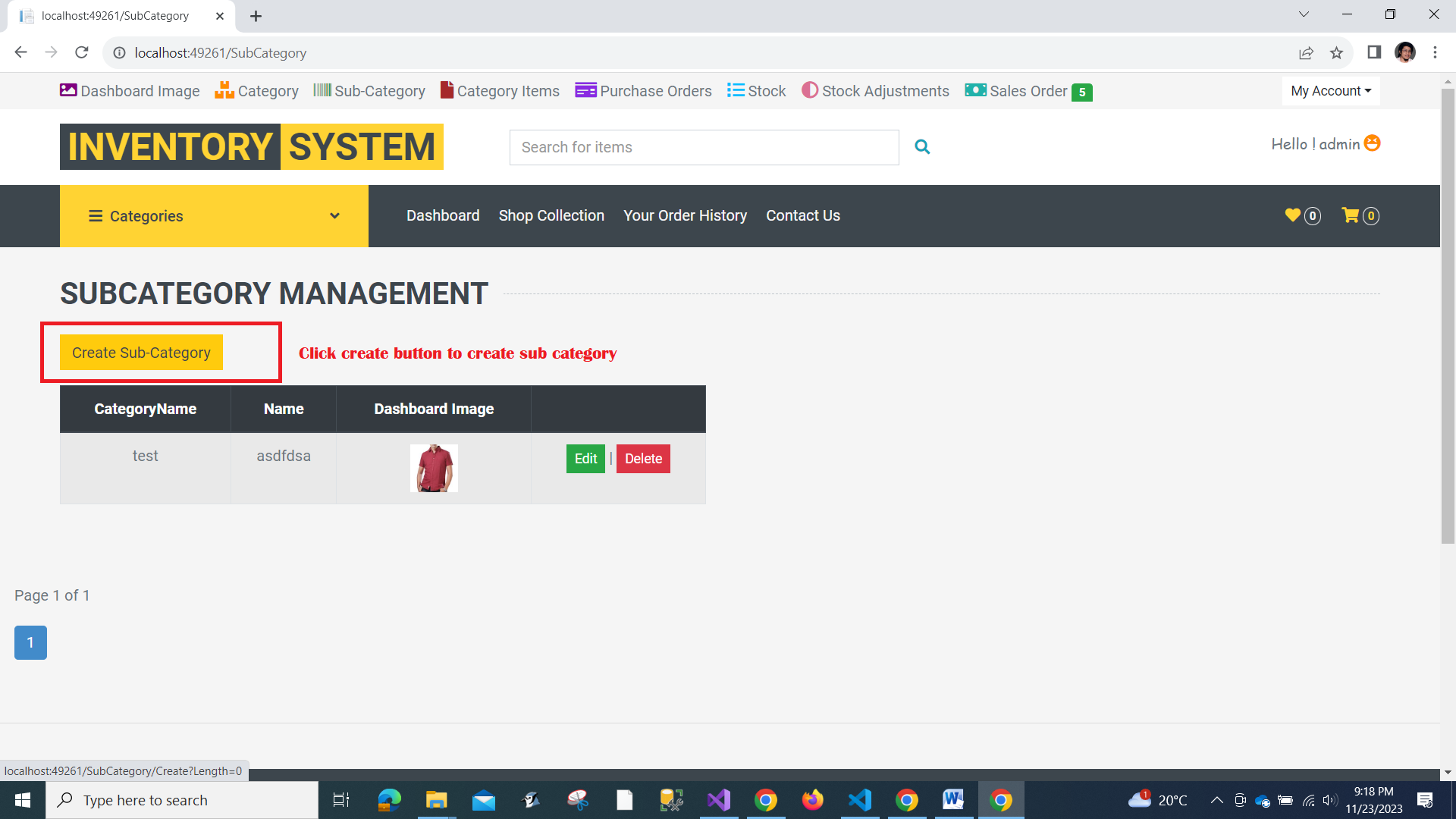
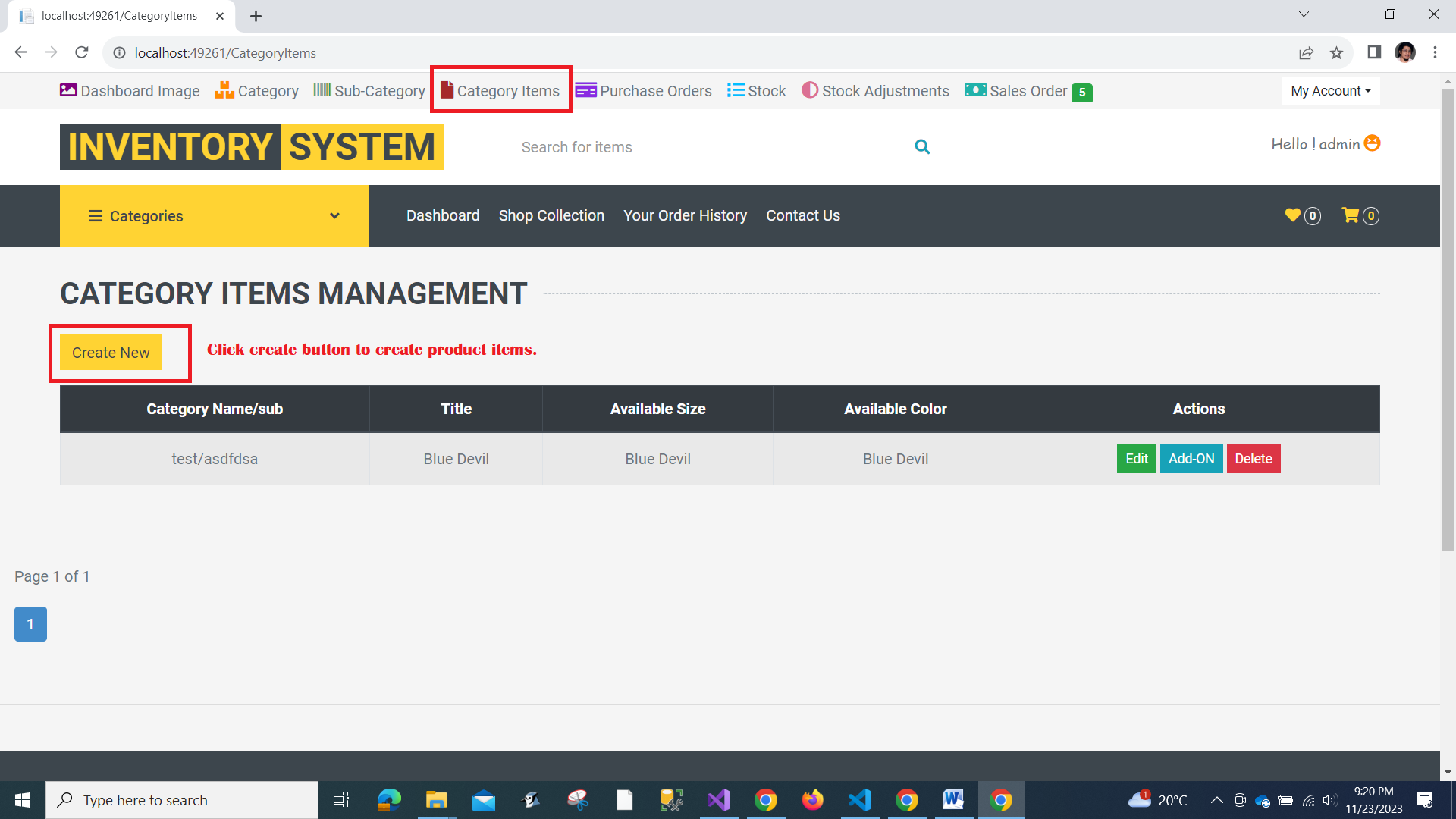
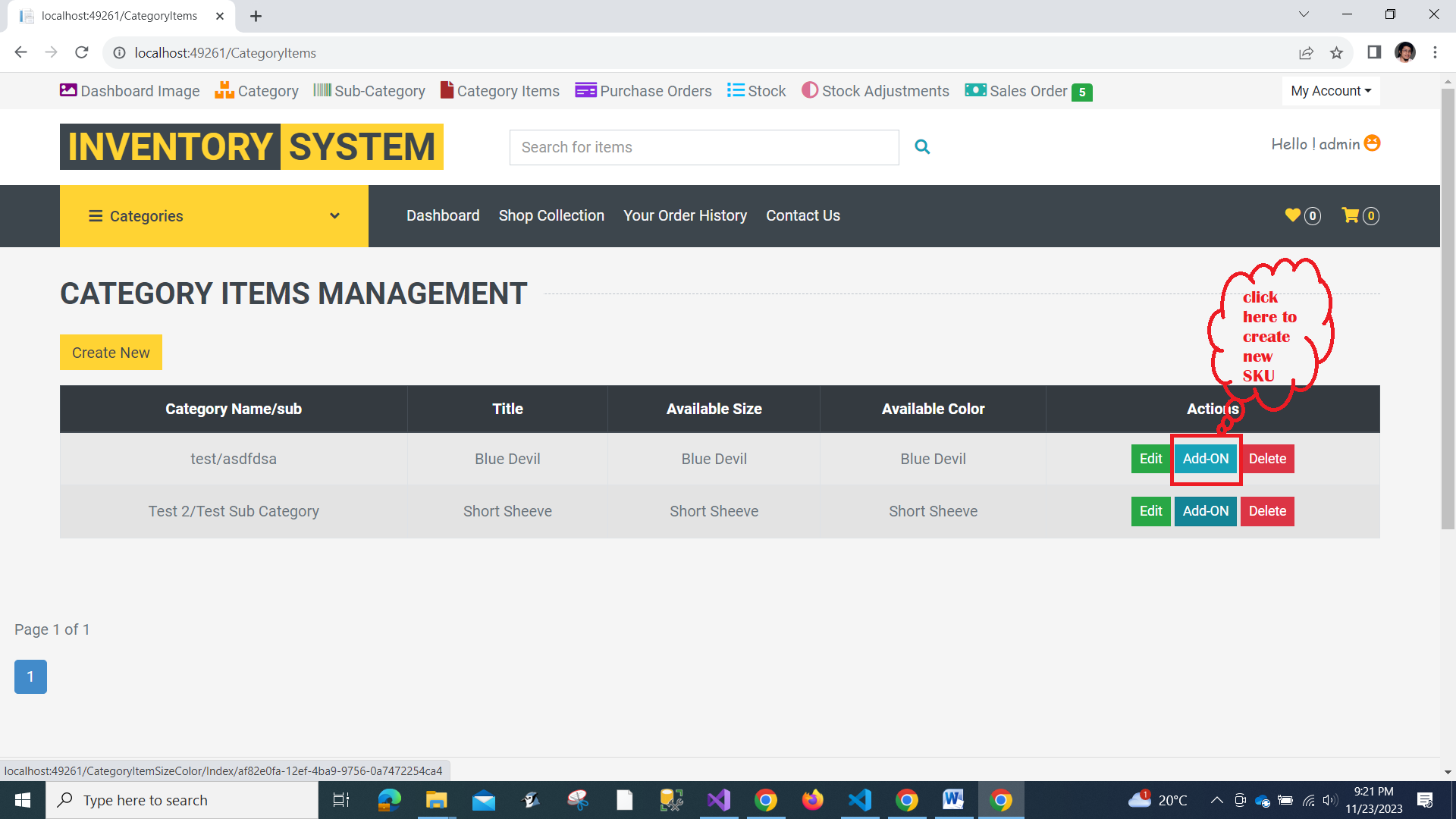
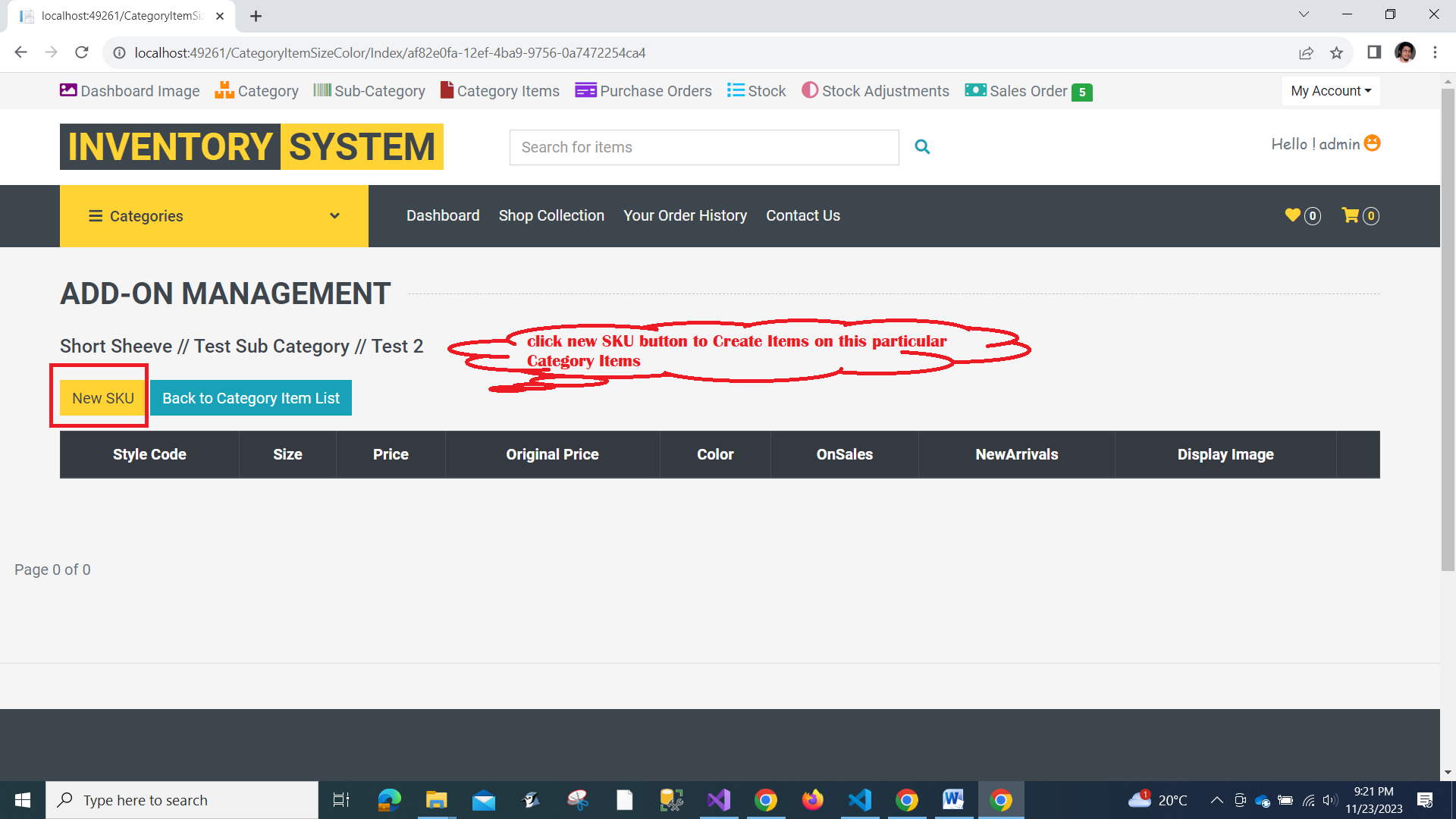
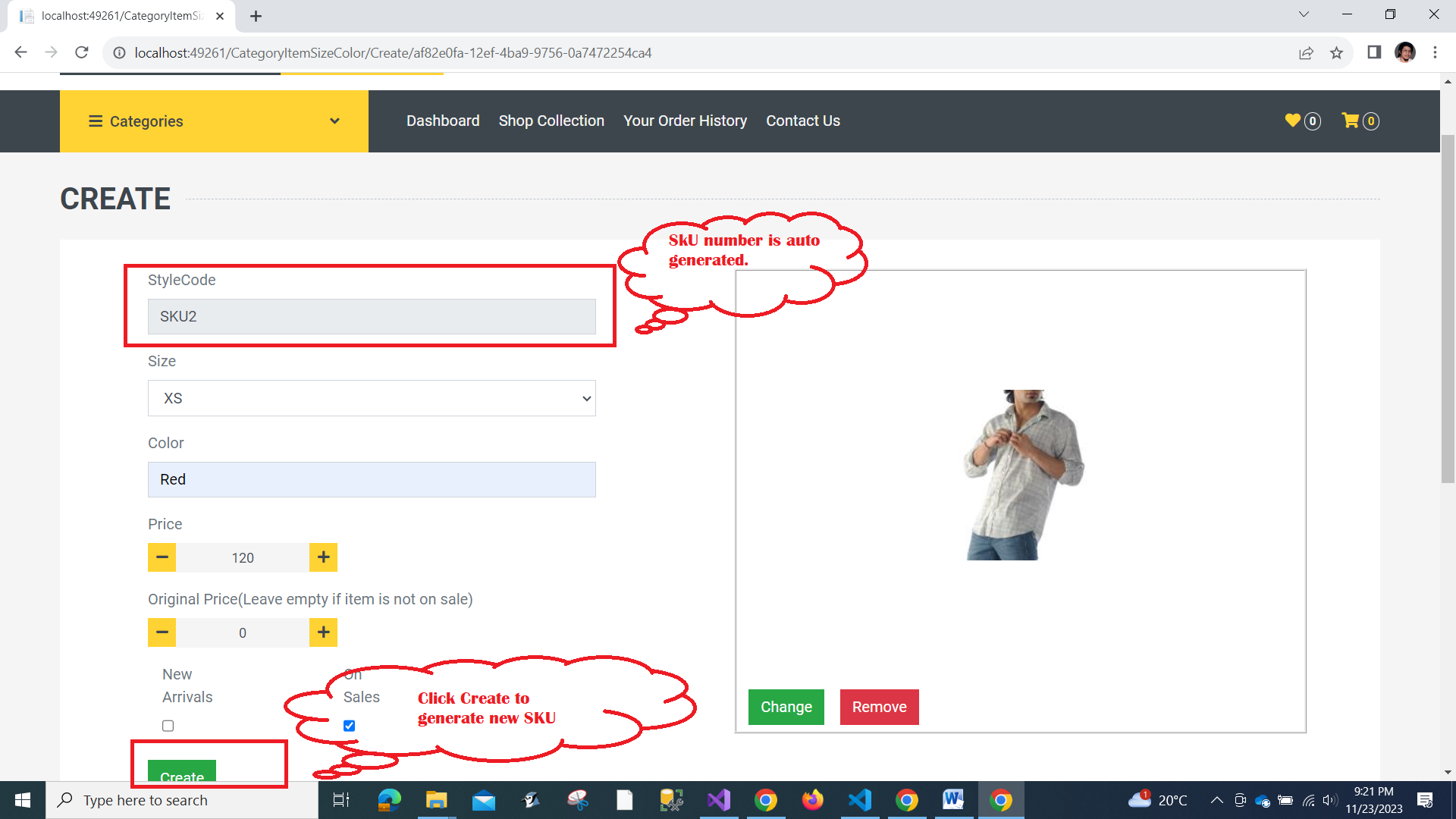
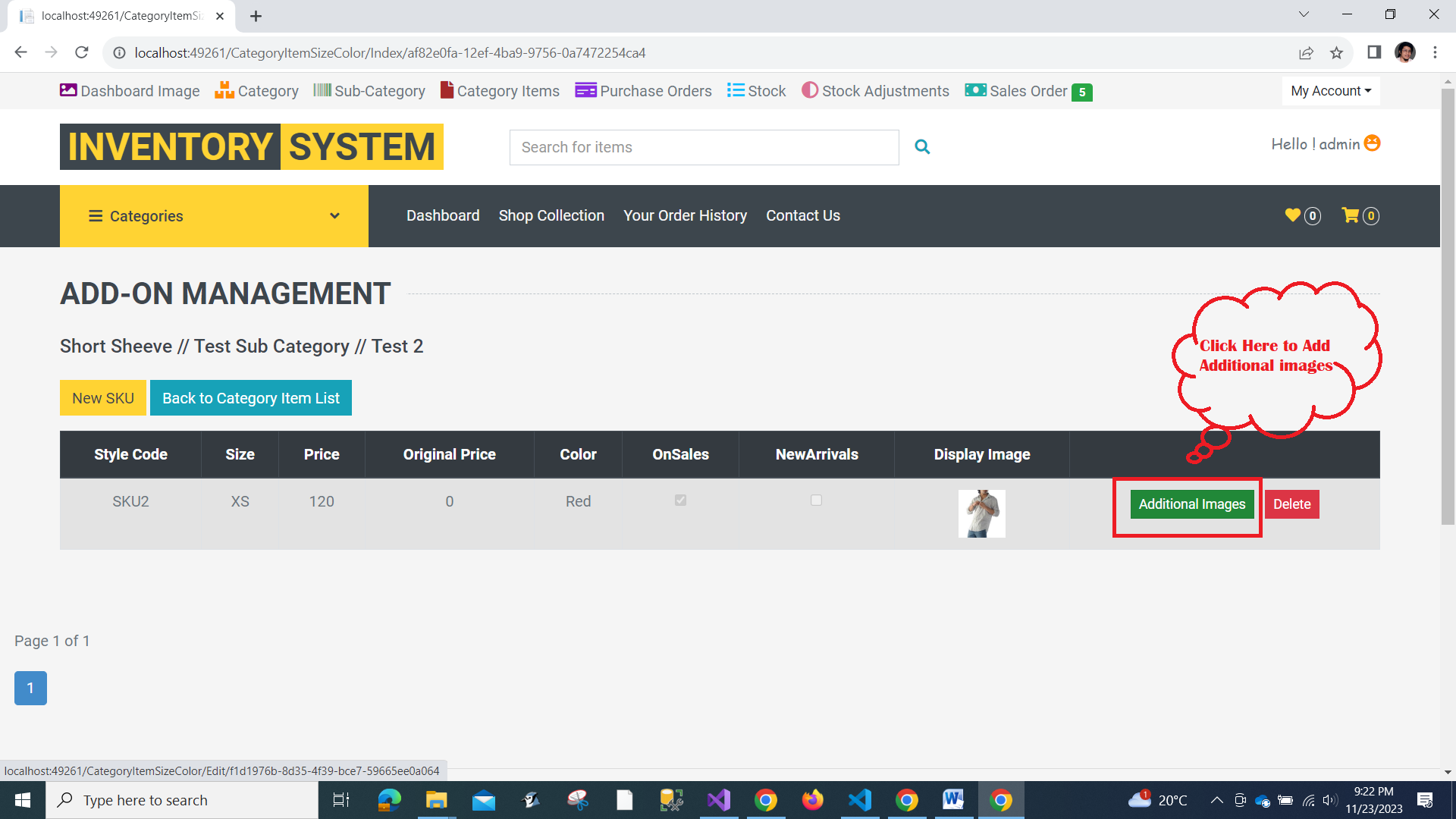
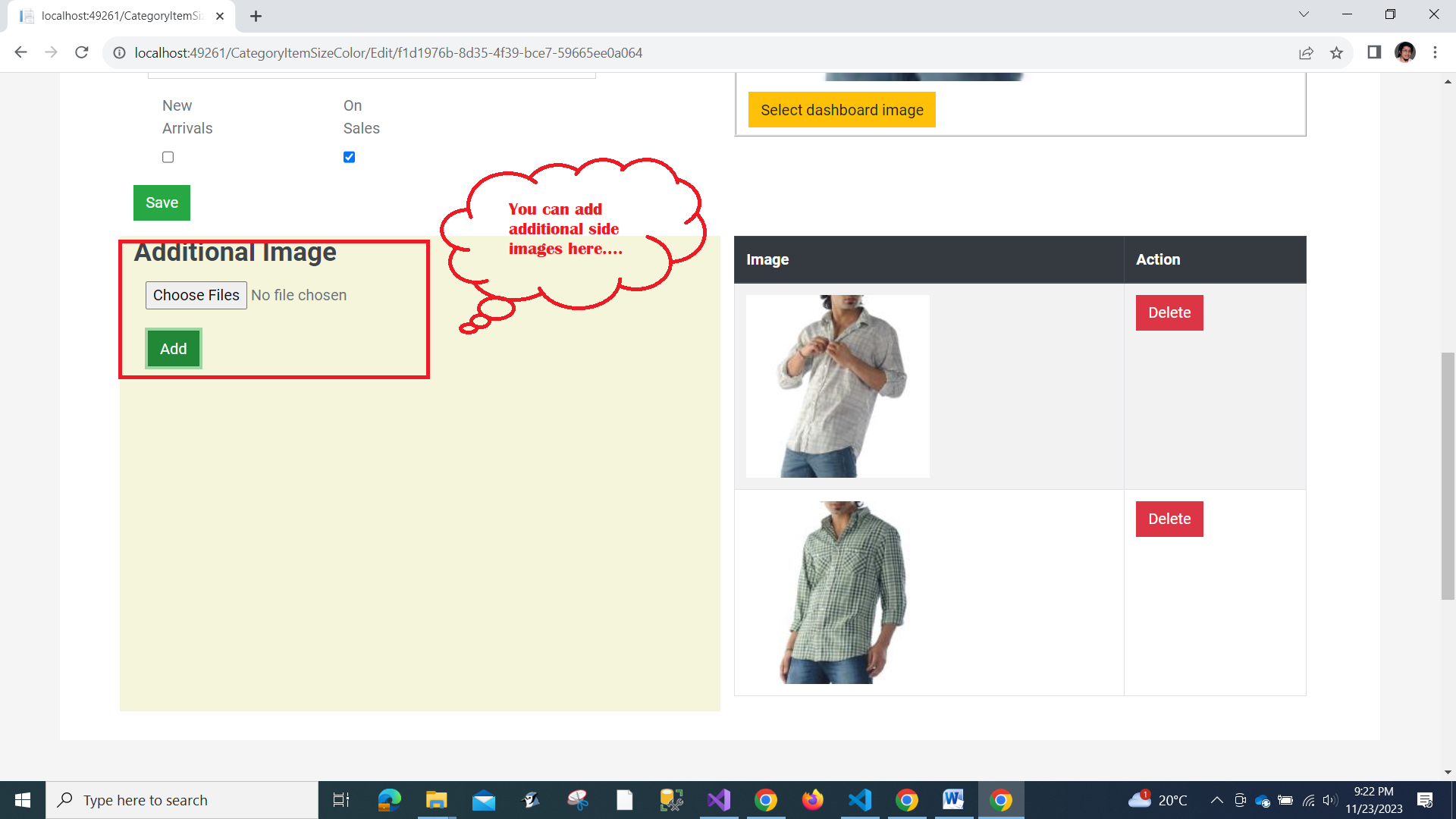
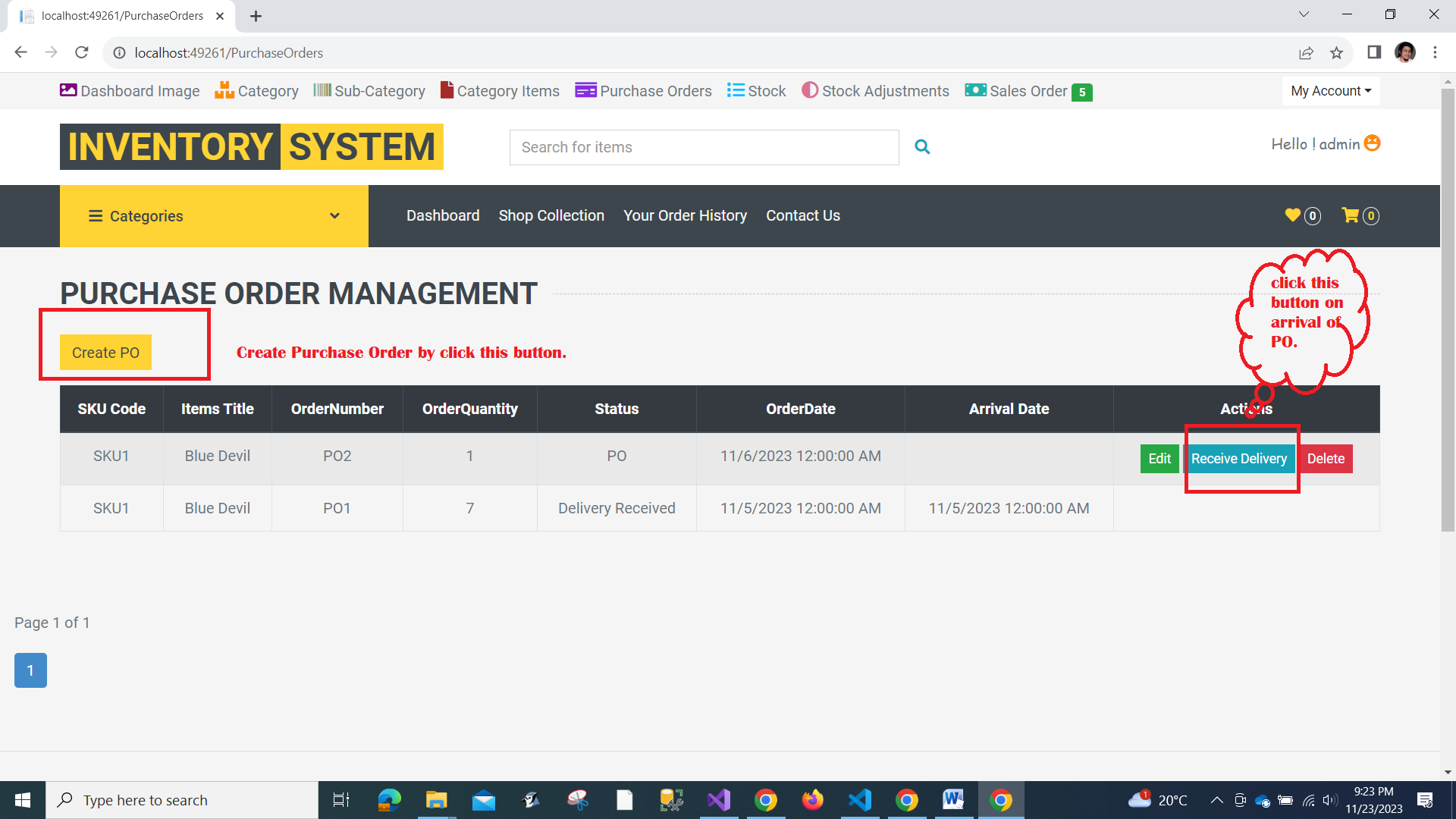
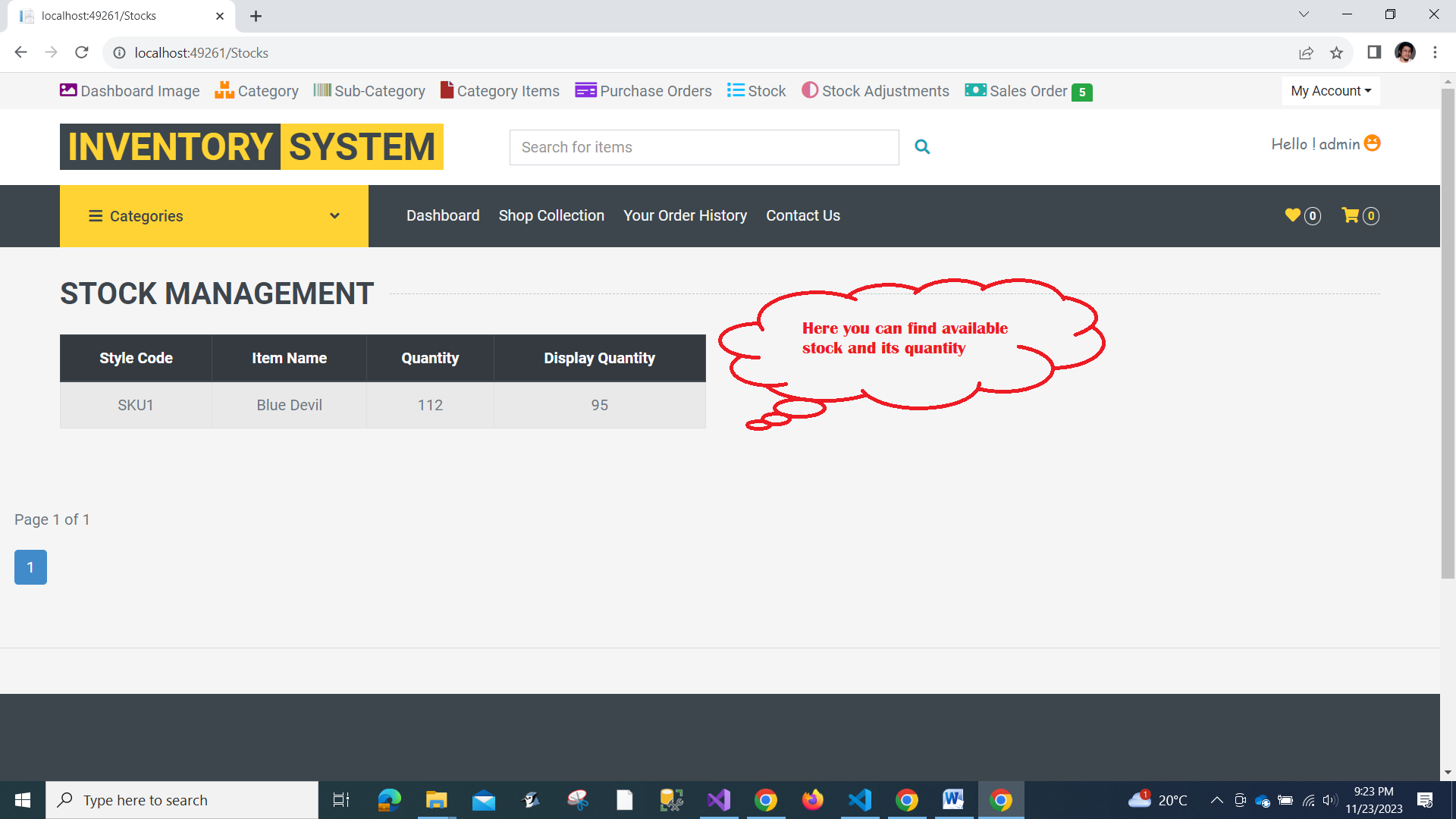
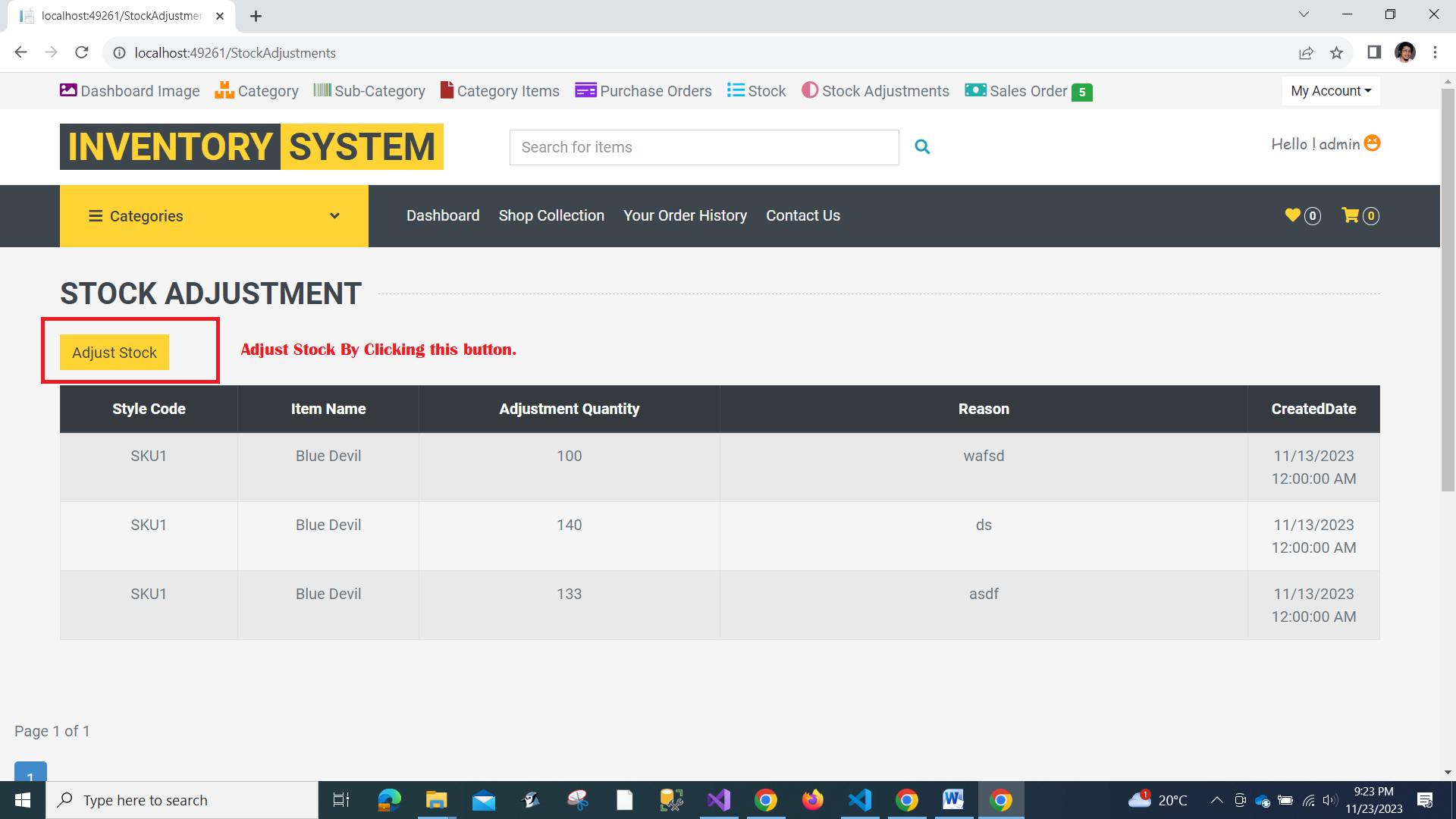
* Development of simple inventory system for online business.
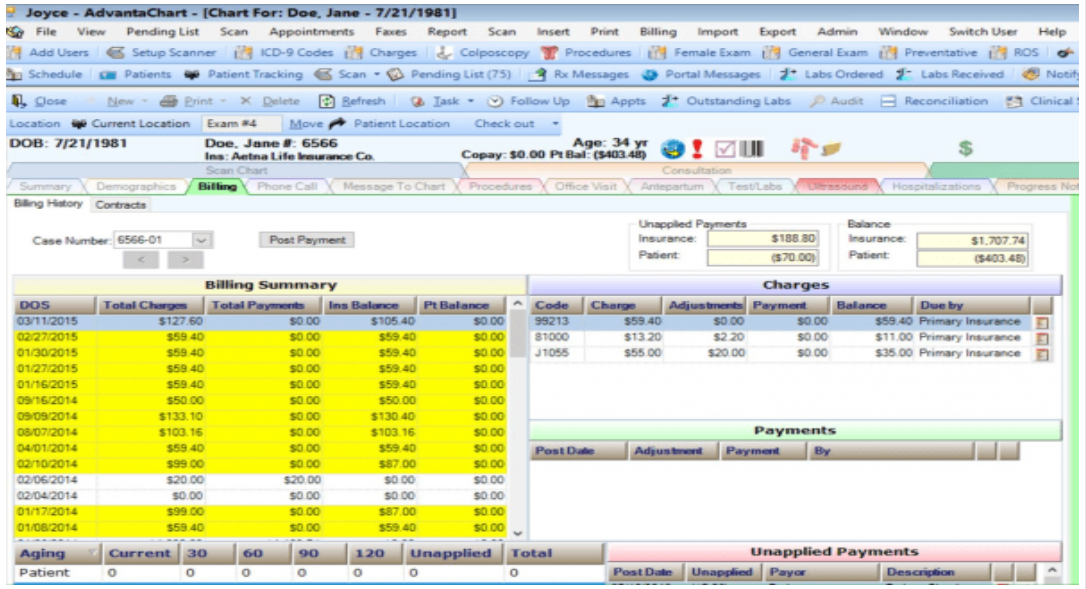
This is the American based anatomical pathology laboratory information systems. Worked for a year with key role of bug fixes and additional feature implementation.
* Implement a secure user authentication system to allow users to create accounts, log in, and manage their profiles. Differentiate user roles, such as customers and administrators.
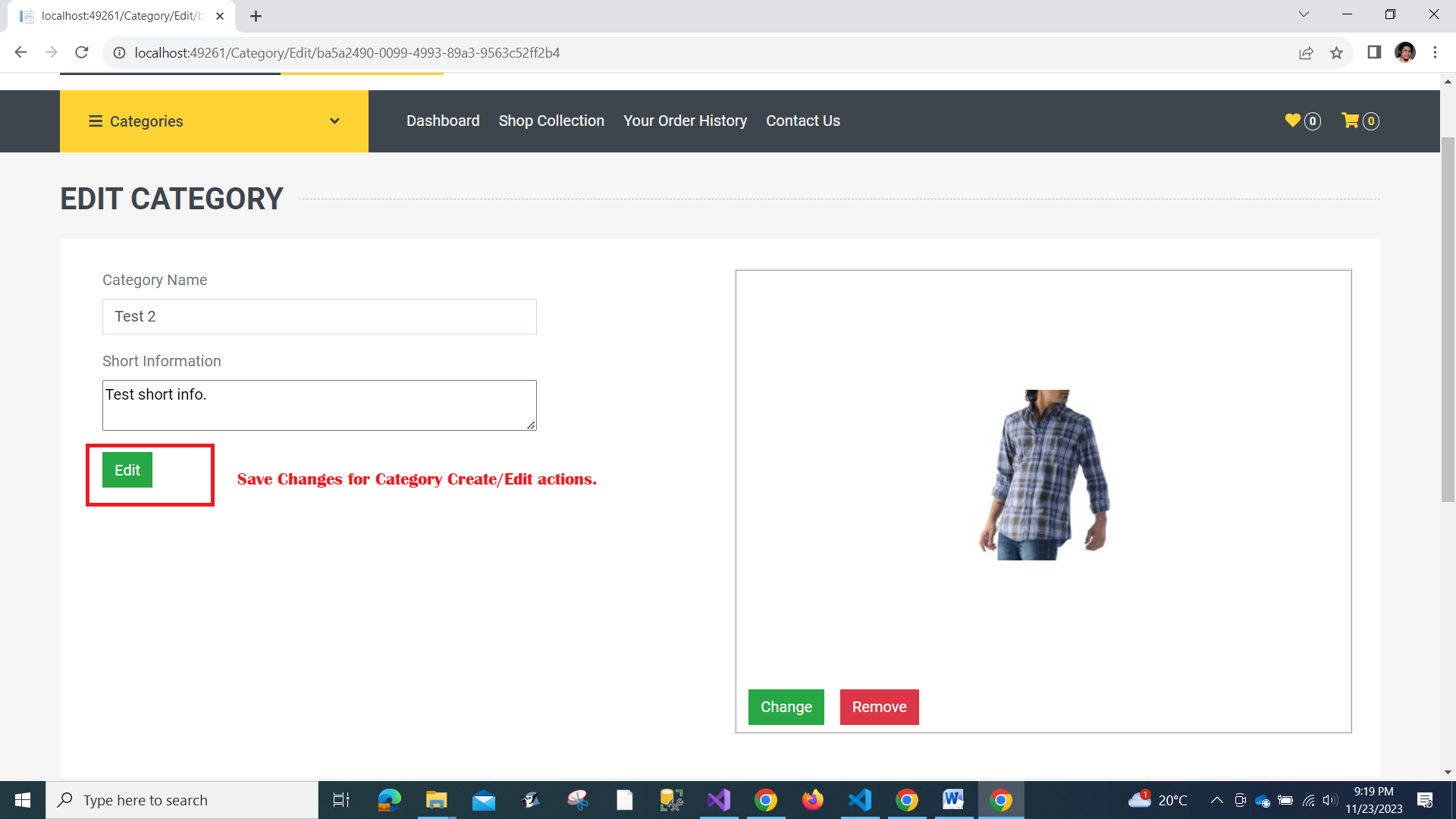
* Allow administrators to add, edit, and delete products.
* Purchase orders and Sales orders are reflected in the stock.
* Stock adjustment for missing or damage items.
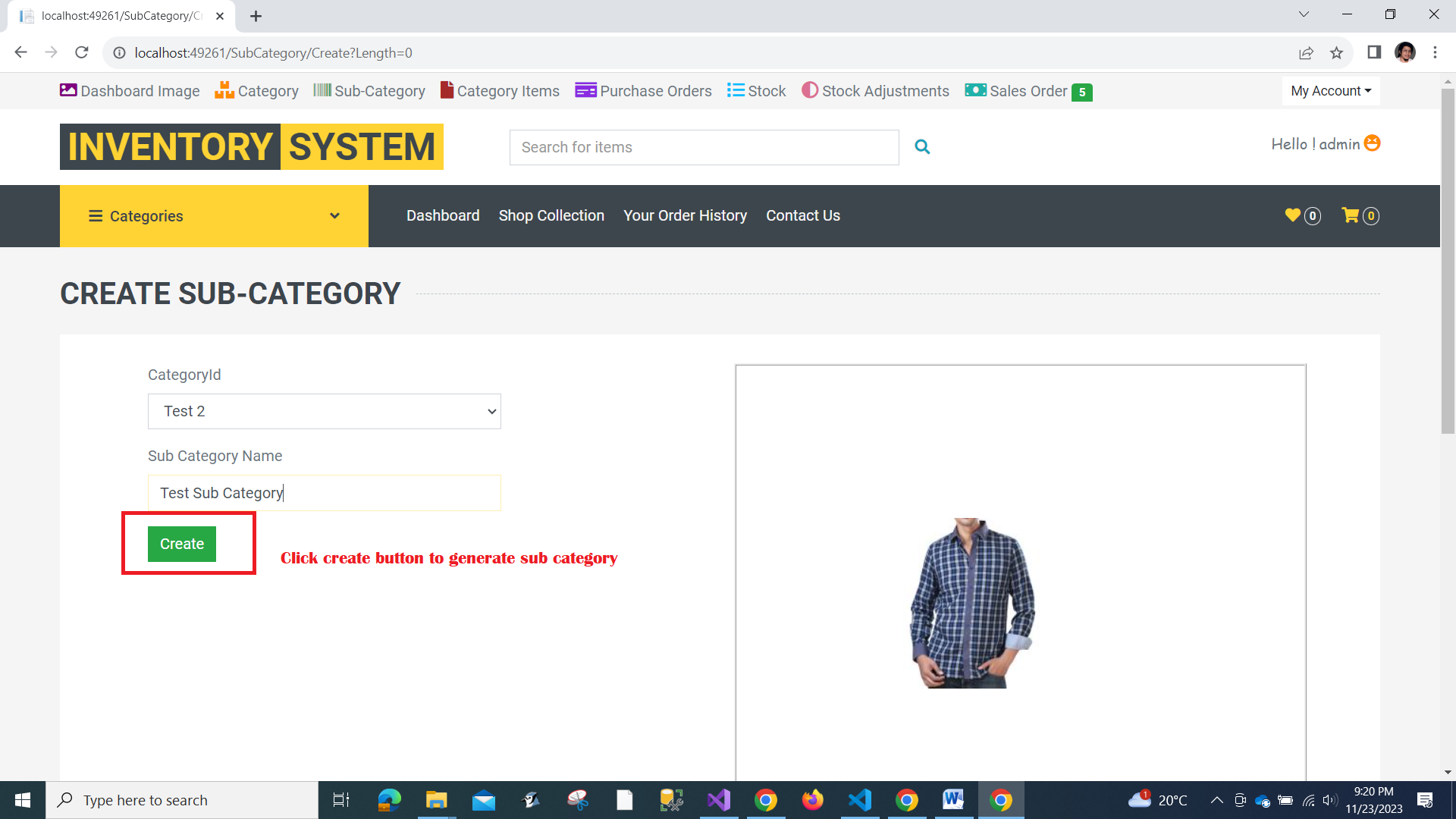
* Organize products into categories and subcategories for easy navigation.Enable users to add products to their shopping cart.
* Implemented Stripe for payment Gateway.